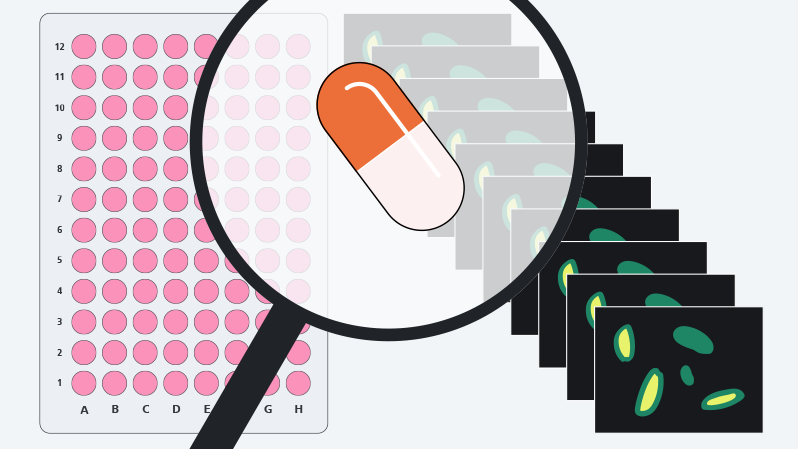
Illustration AI toolkit package
ZEN SOFTWARE TOOLKITS

AI Toolkit Cutting-edge tools for optimal experimental results

In life science applications, machine learning can exponentially increase the throughput of image analysis and reduce the risk of human error. This toolkit contains solutions for image denoising, image segmentation, and object classification.

  • Improve every step along your analysis
  • Intuitive workstyle also for novice users
  • Compatible with arivis Cloud or other 3rd party models
  • Integrate machine learning into advanced workflows
  • Latest denoising models for 3D data and live denoising

Discover ZEN AI Toolkit

See how it accelerates your research with advanced automation in less than 60s.
Enhance Every Step along the Analysis Workflow with Machine Learning

Enhance every step along the analysis workflow with Machine Learning

From optimizing raw images to identification and classification of objects

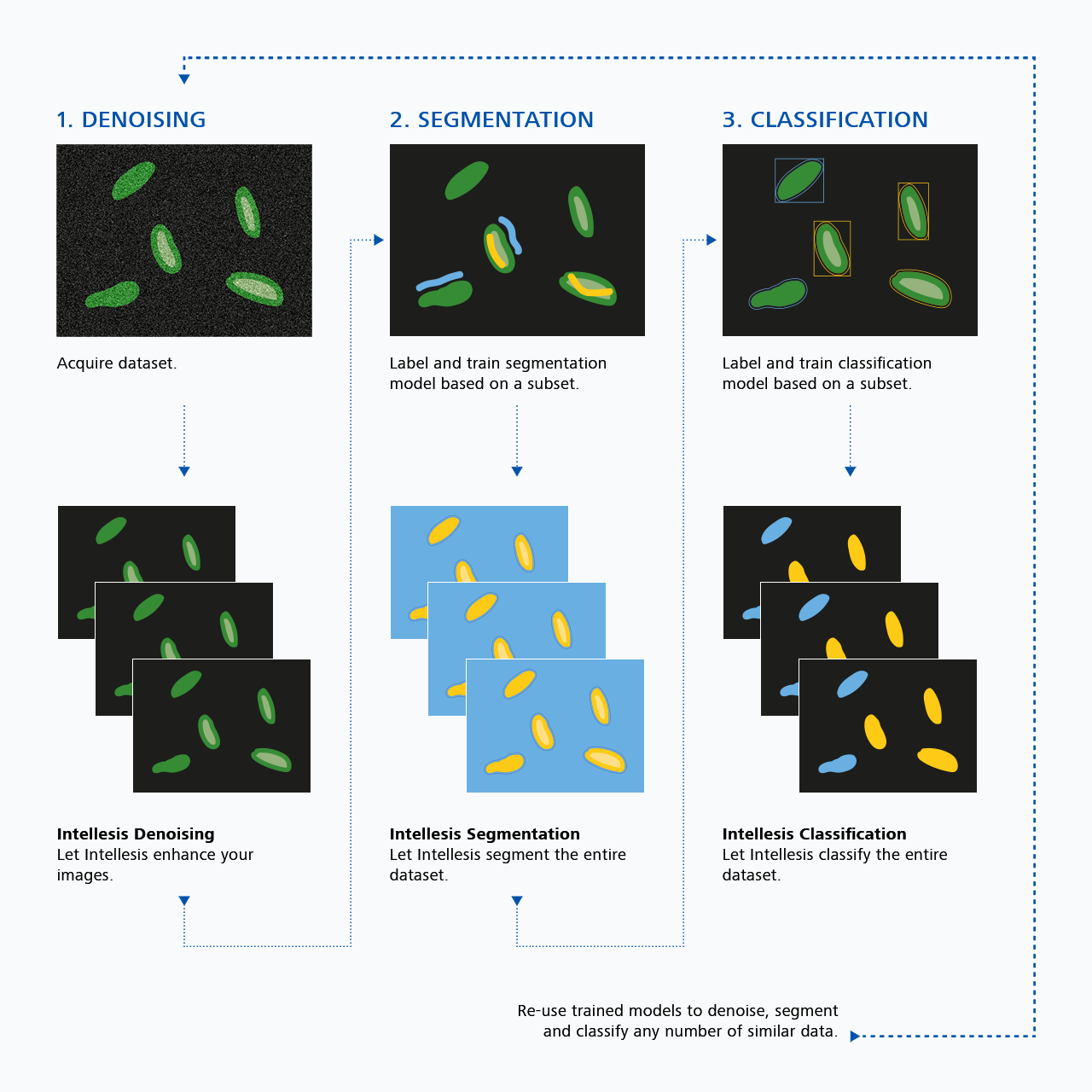
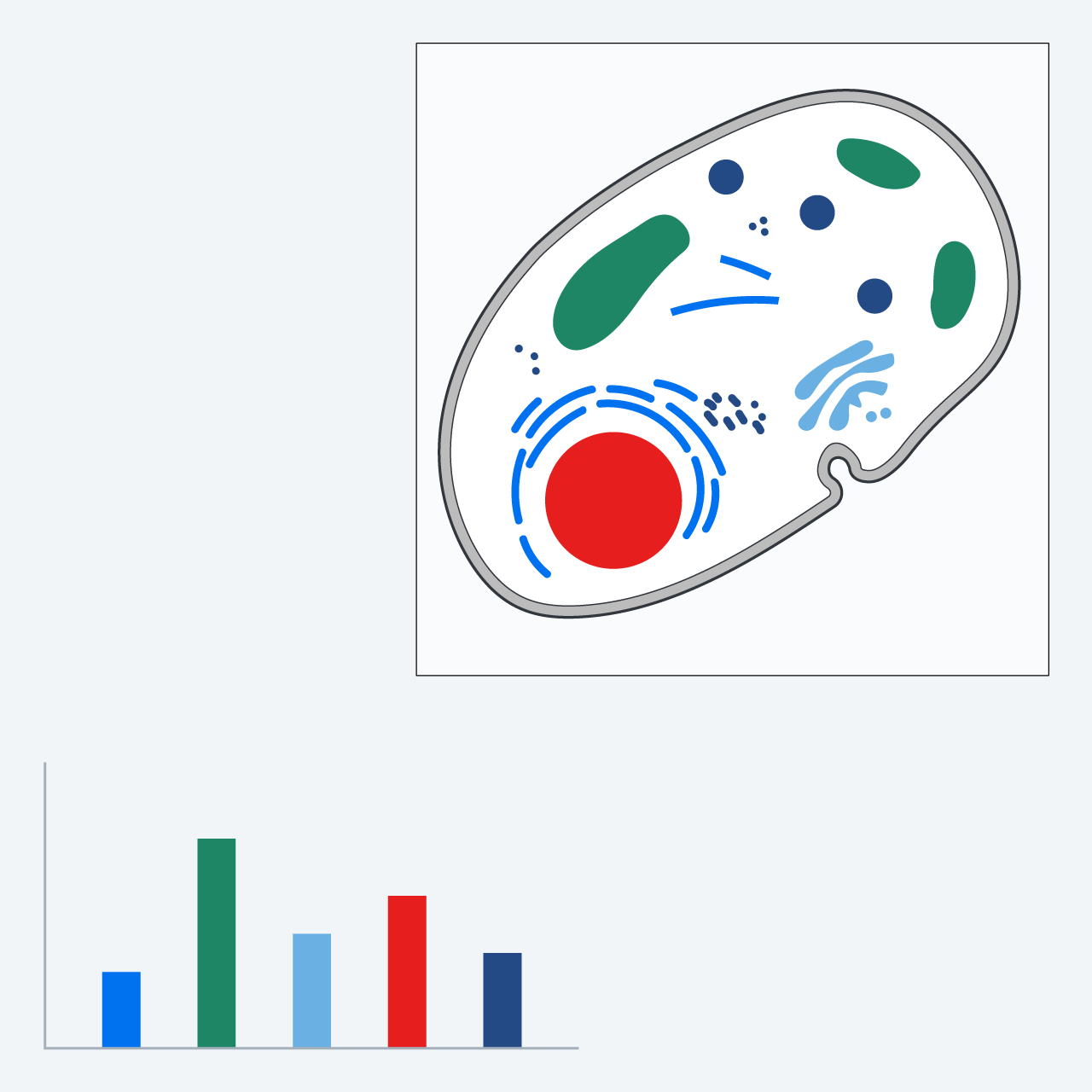
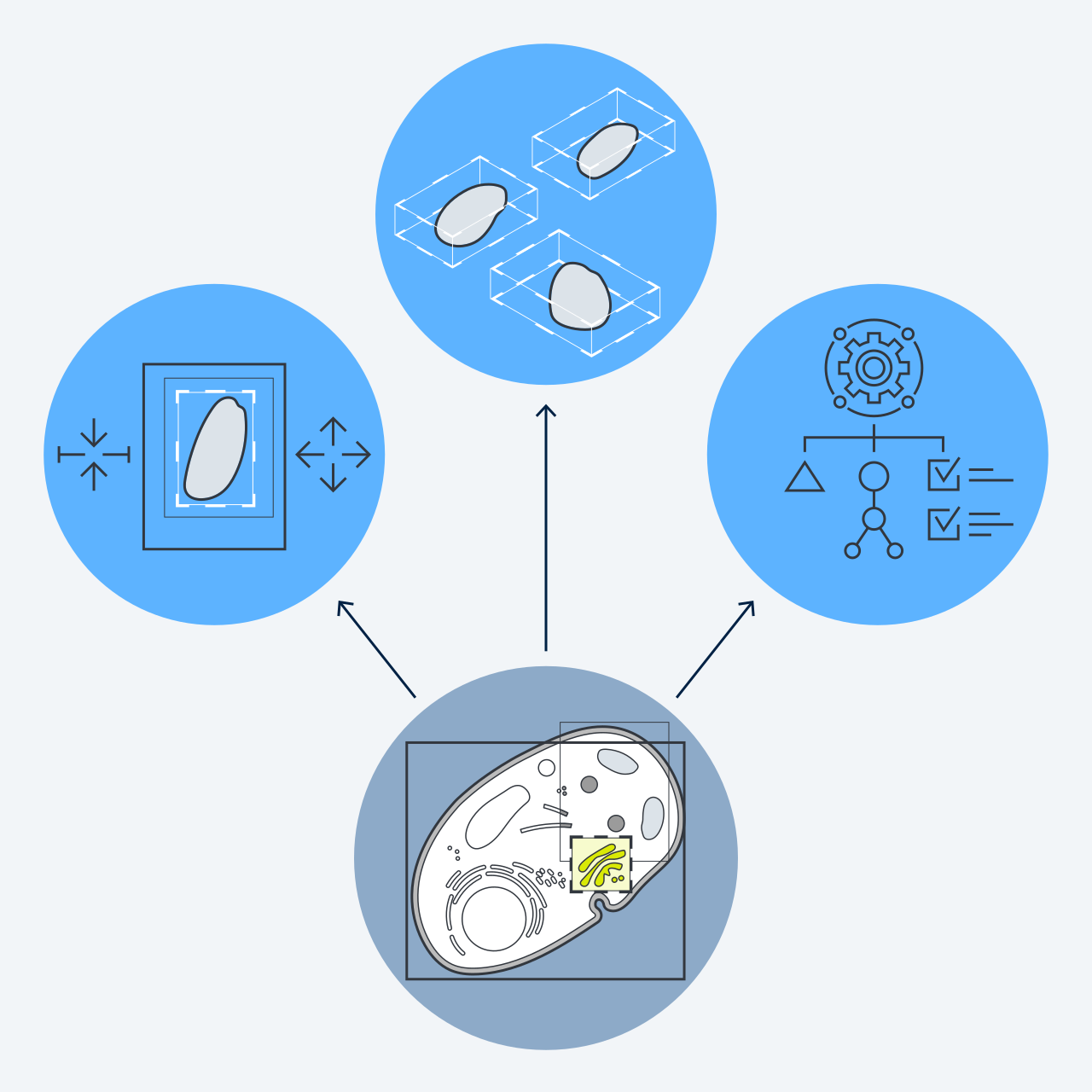
Image analysis is a multi-step process that requires raw image processing, identifying structures of interest by segmentation, and then classifying these structures based on their properties. ZEN AI Toolkit offers tools for each step of this complete workflow.

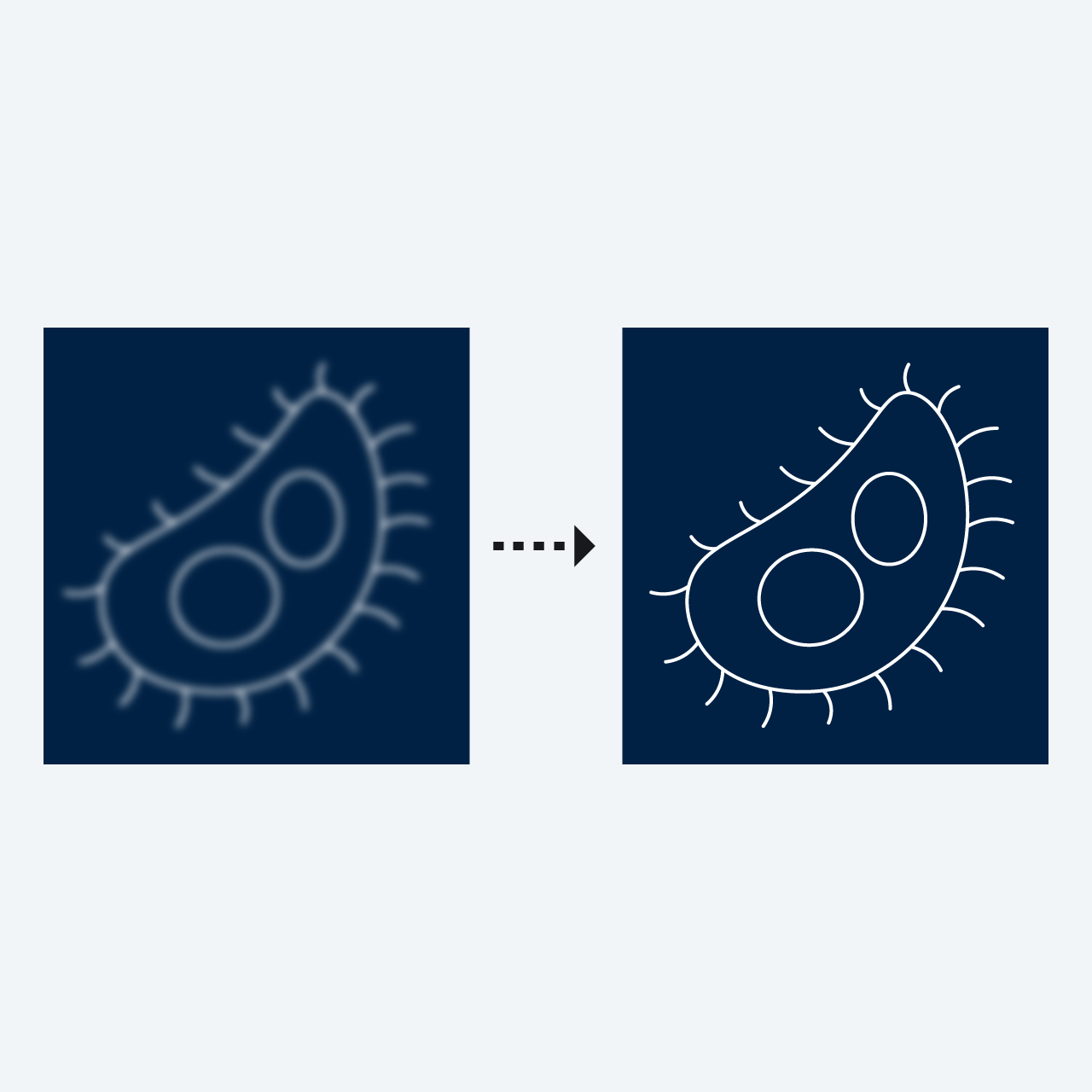
  • Intellesis Denoising optimizes the raw images
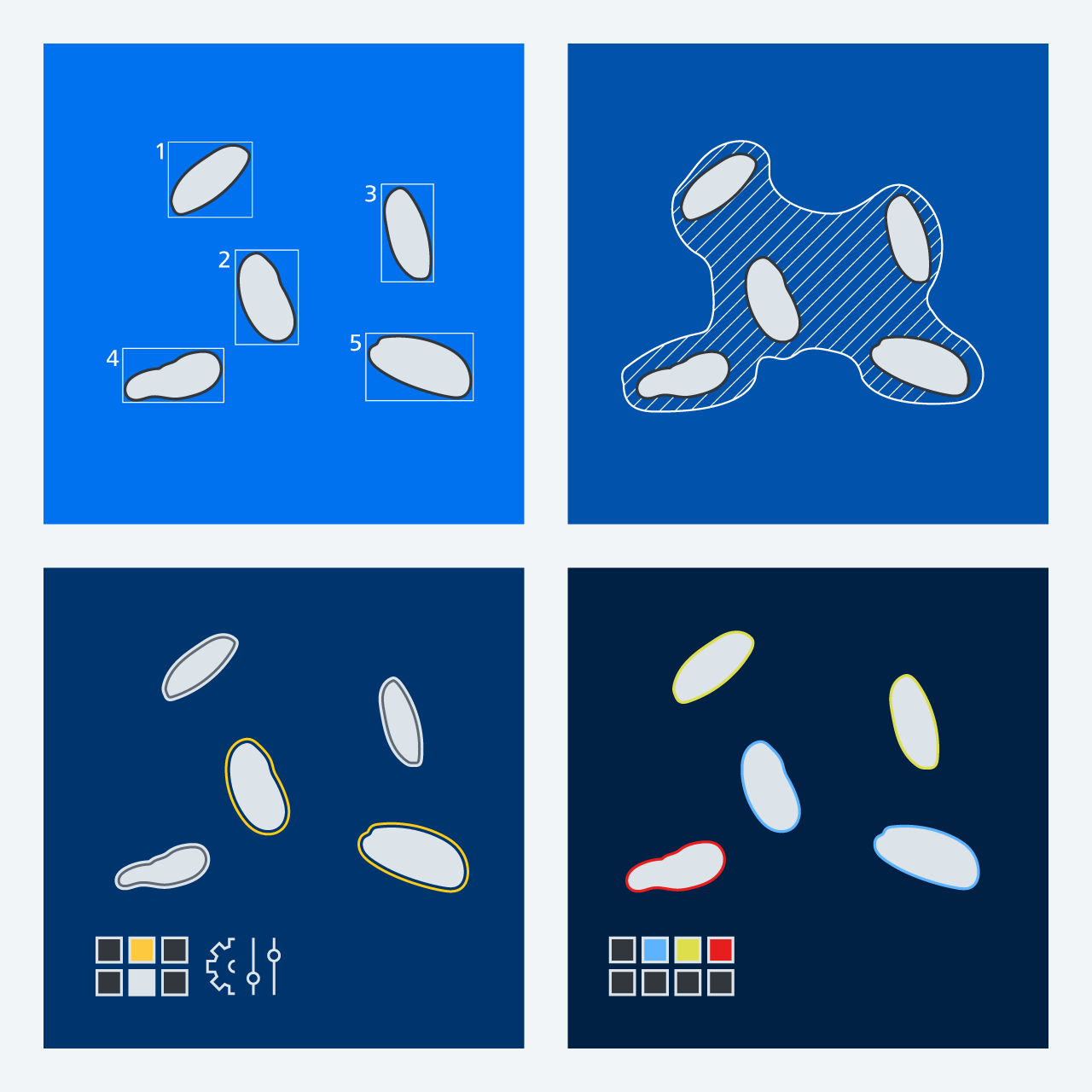
  • Intellesis Segmentation identifies one or several classes of objects
  • Intellesis Classification classifies these objects into meaningful subgroups
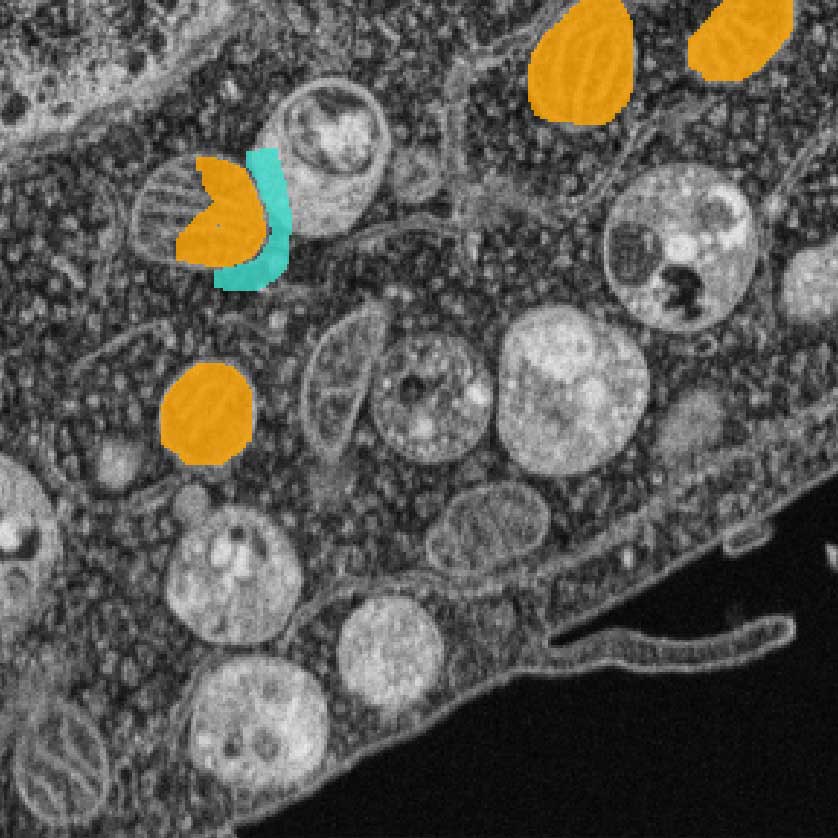
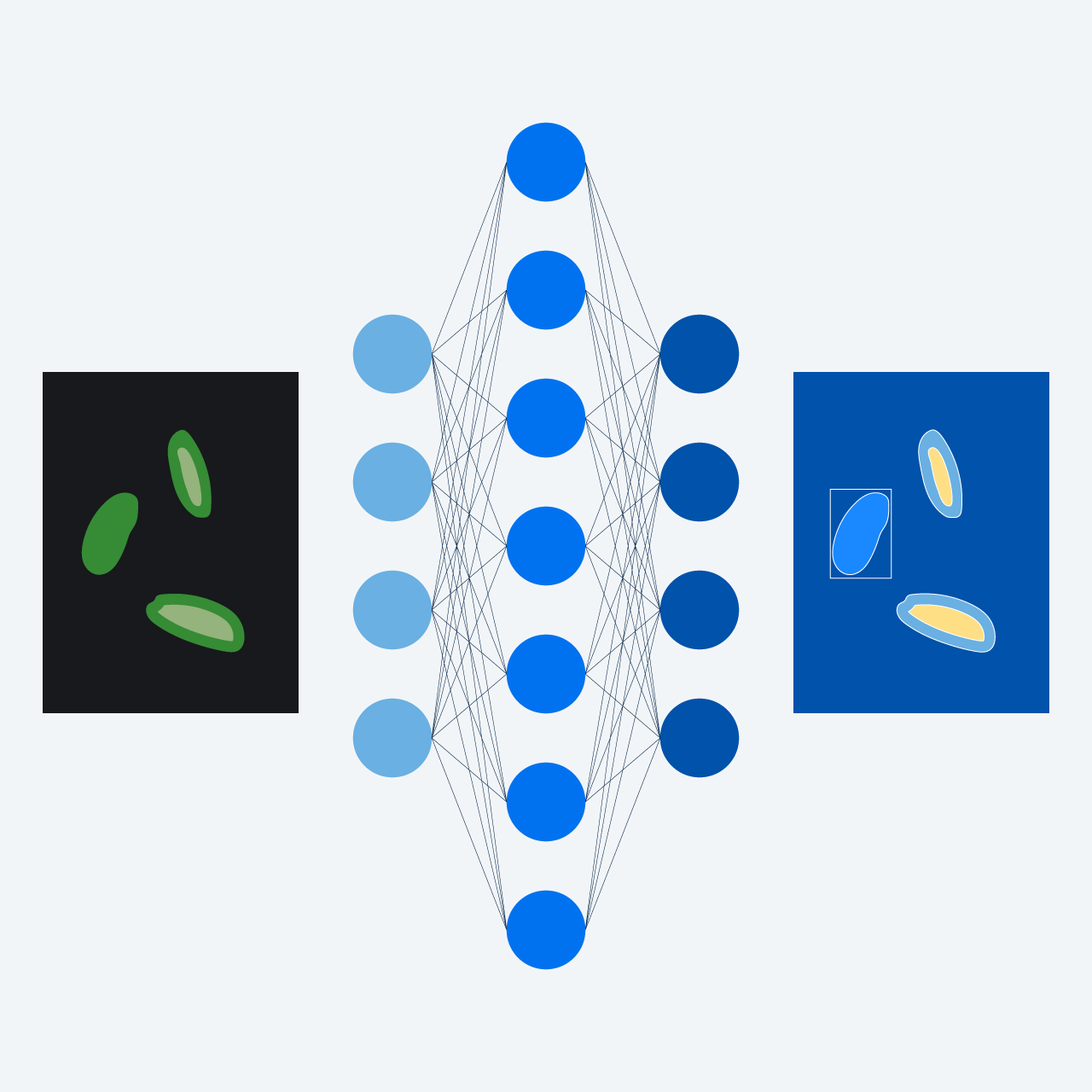
Labeling of an image to train a segmentation model
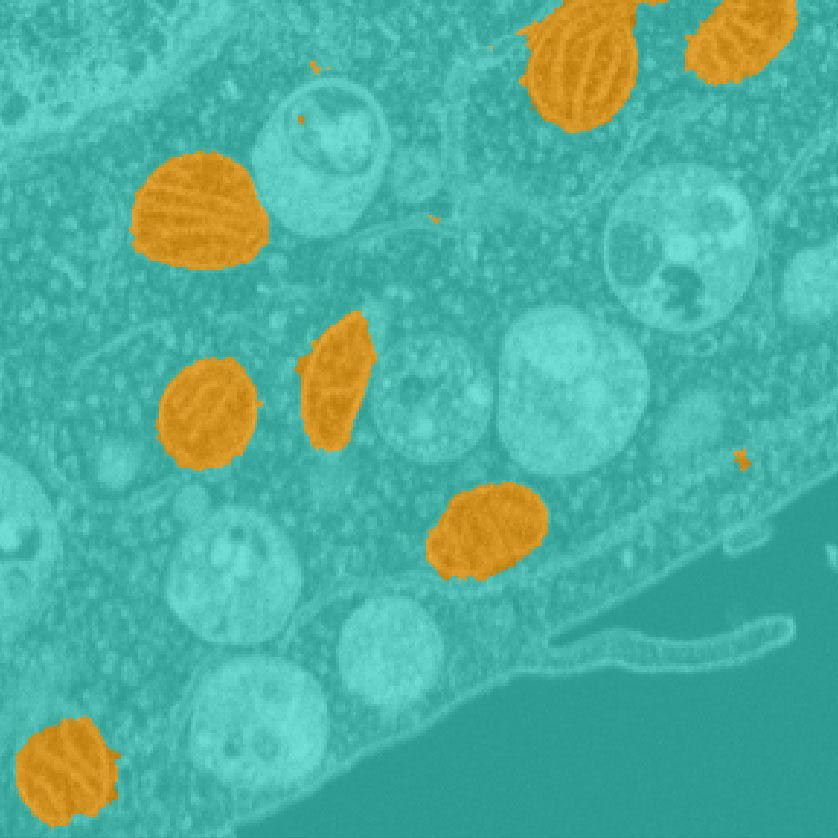
automated image segmentation based on that model
Labeling of an image to train a segmentation model (left) and automated image segmentation based on that model (right). Image courtesy of Yannick Schwab, EMBL Heidelberg​

Machine Learning simplifies image analysis

Avoid endless fine-tuning, gain insights faster, enable novice users

Conventional processing algorithms require the user to find and then fine-tune the tools and parameters to achieve optimal results. This complicated process puts analysis algorithms out of reach for novice users. With machine learning, the user simply teaches the algorithm the optimal result by providing examples, and the AI-driven algorithm finds the optimal way to solve the problem. This is both intuitive and easy-to-use.

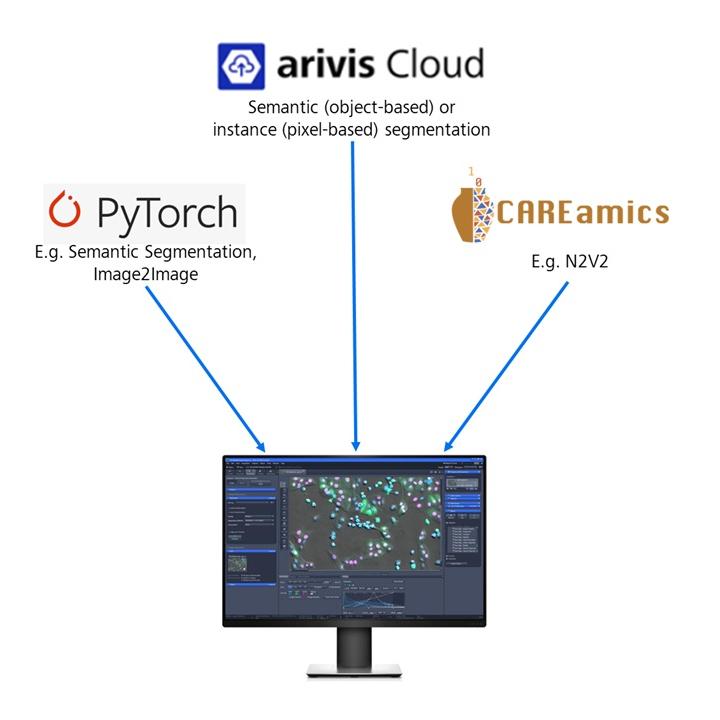
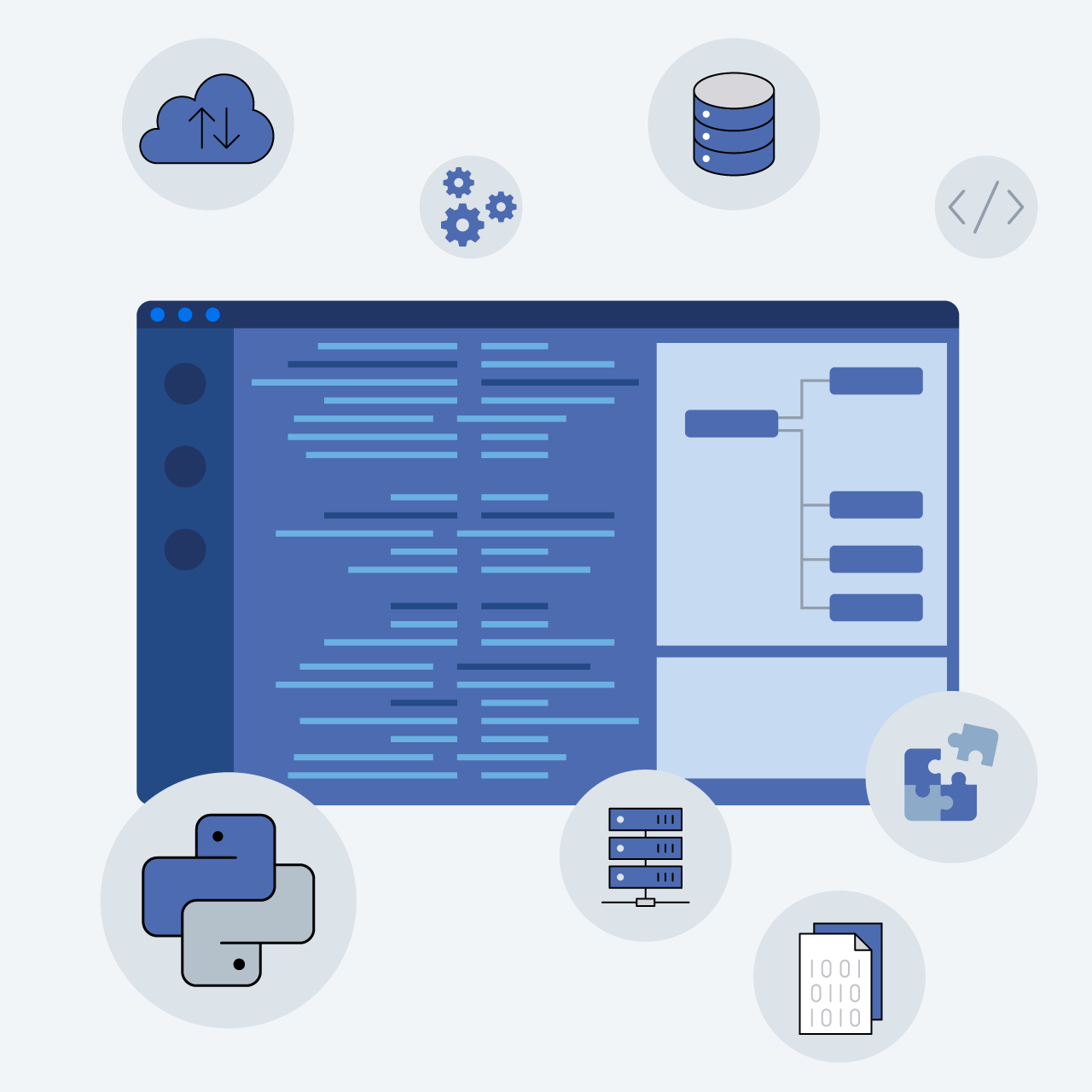
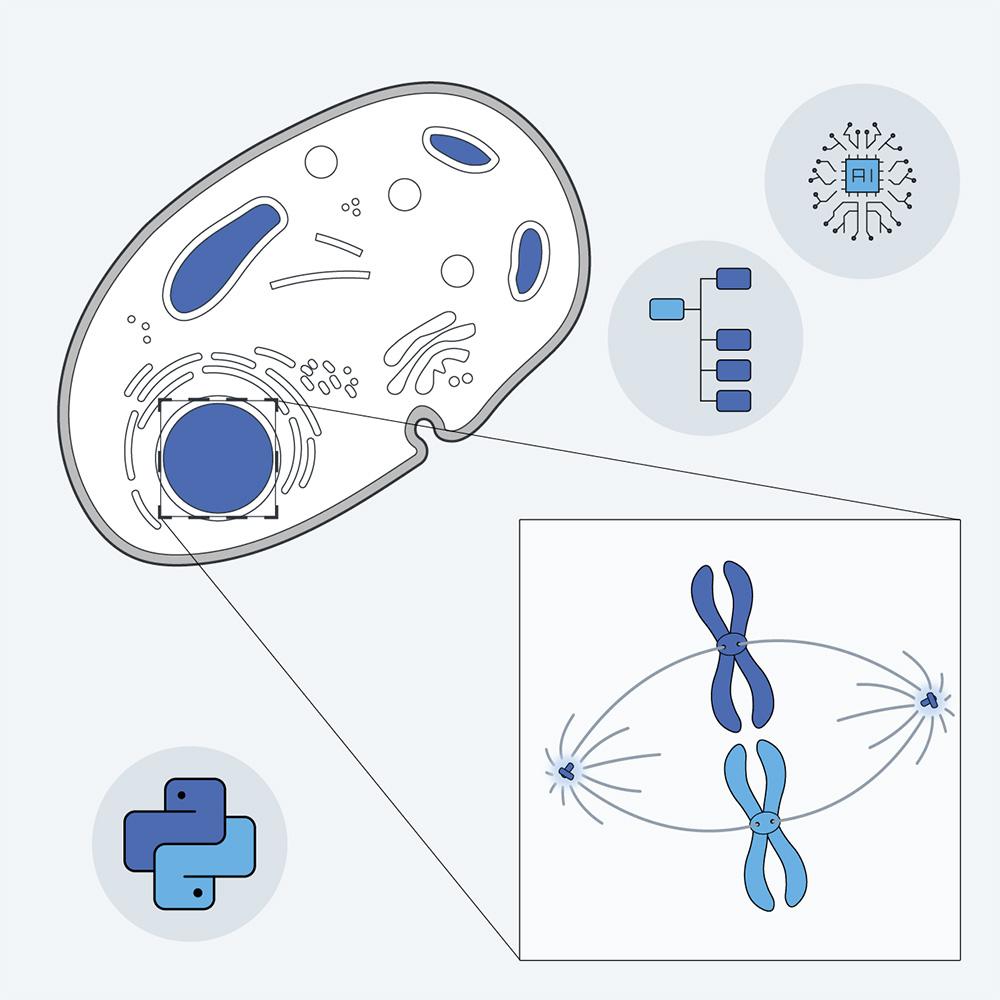
Illustration depicting ZEN imaging workflows with customized models from multiple sources.

Import custom AI models from ZEISS arivis Cloud and other sources

Open model formats are enabling rapid integration

AI is developing with tremendous pace, and computer-vision algorithms are no exception. ZEN with its open model policy can benefit from new developments in the field. Enhance your imaging workflows with customized models from multiple sources. Generic interfaces such as our CZANN format or containerization provide the necessary compatibility.

LLC-PK1 expressing H2B mCherry and αTubulin-GFP; Mitotic prophase cells were acquired with Guided Acquisition employing a semantic segmentation model trained in arivis Cloud

LLC-PK1 expressing H2B mCherry and αTubulin-GFP; Mitotic prophase cells were acquired with Guided Acquisition employing a semantic segmentation model trained in arivis Cloud

Employ AI algorithms in advanced ZEN workflows

Enhance your applications with high-performance object segmentation

AI-based segmentation is rarely used in isolation. It is part of a larger imaging workflow. To enable this, we have integrated AI functions into our most popular ZEN tools.

  • Use trained AI models in Bio Applications
  • Apply AI to the 2D Toolkit to optimize your analysis
  • Use Open Application Development (OAD) scripting to employ diverse enhanced ZEN tools in highly customized workflows
  • Perform smart microscopy in Guided Acquisition with state-of-the-art Deep Learning segmentation to detect complex phenotypes. To learn more, read our application note
FIB-SEM images of liver tissue; 2D Denoising
FIB-SEM images of liver tissue; 3D Denoising
FIB-SEM images of liver tissue; Crossbeam 550. Left: 2D Denoising, Right: 3D Denoising

Enter the 3D era with Deep Learning denoising

Unprecedented clarity for the full spatial context

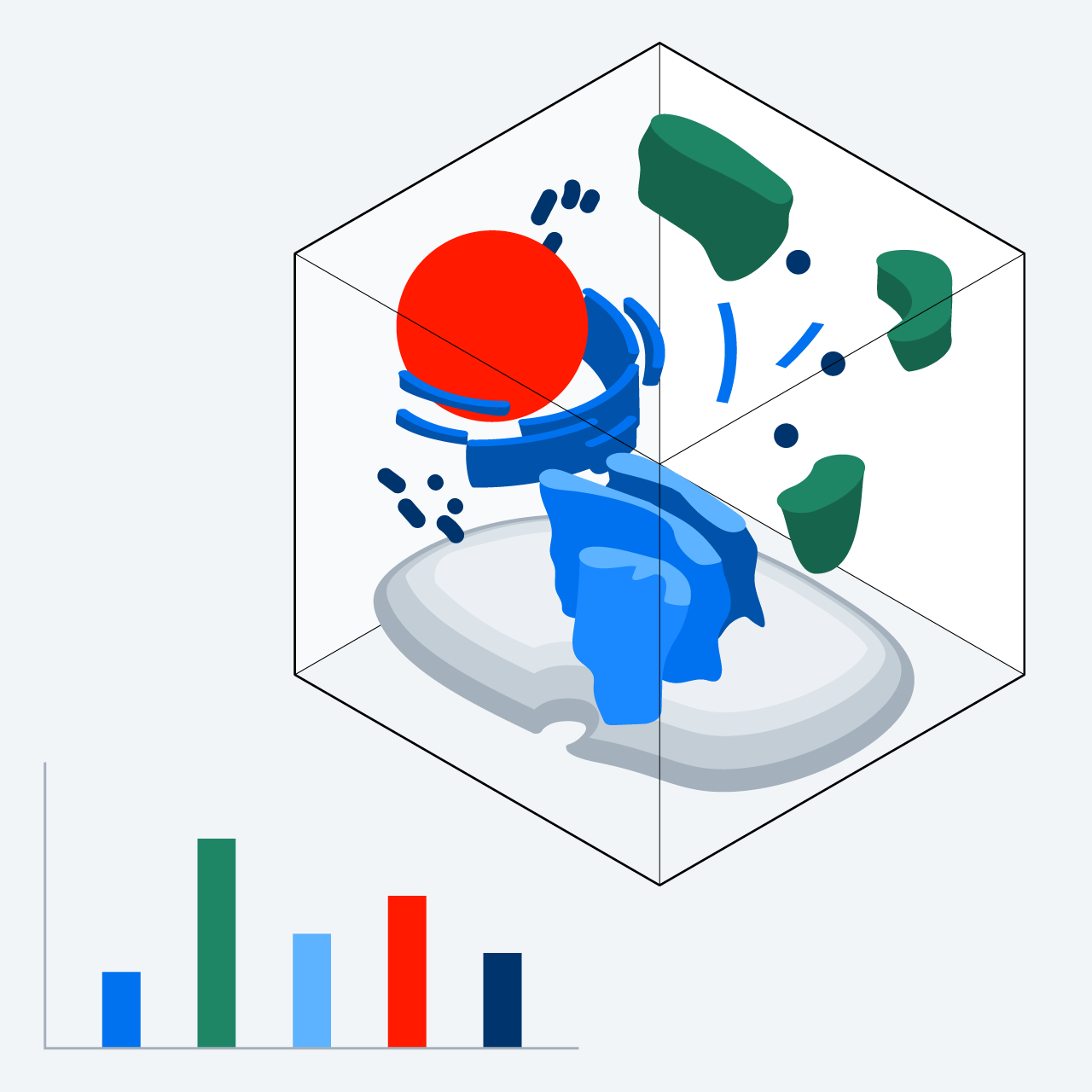
ZEISS has taken a big step forward by bringing denoising into 3D. Vision AI algorithms benefit immensely by working in full spatial context, while training via unsupervised learning is still easy to achieve. The results have sharper contrasts and a more cohesive appearance (no flickering) along the third axis. 3D denoising is exceptionally well suited for advanced applications such as organoid imaging and Bio-EM technologies like FIB-SEM.

Scroll down to learn more about newly introduced denoising features.

Deeper insights into ZEN denoising technologies

Optimize denoising to your specific challenges

How can I get rid of noise?

A short journey through imaging errors and correction strategies

There are various imaging errors in microscopy, and they may require different techniques to remove them. ZEN has solutions for this. For example, blur from the physical diffraction limit can be mitigated by Deconvolution. Uneven is solved by Shading Correction. Optical aberrations can be prevented by proper instrument calibration.
“Noise” originates from the process of applying (Shot noise) and measuring (Detector noise) single photons, leading to a random (statistical) pattern of pixel signals. Denoising algorithms available in the AI toolkit help reduce such imaging errors.
Scroll down to learn more about optimizing your denoising technique to fit your specific challenges.

Illustration of algorithmic and deployment options for Denoising

Algorithmic and deployment options for Denoising

Choose the optimal tool for every situation

Denoising features in ZEN received significant updates. Choose from three algorithms (Noise2Void, N2V2, Correlated Noise) to tackle specific noise patterns, available either in 2D or 3D implementations. These algorithms can be trained conveniently from within a standardized user interface in ZEN. Training effort is minimal due to the unsupervised approach.

Once the Denoising models are trained, you can deploy them in various contexts: Classical Post-processing is used to generate high-quality images. Time-to-result is additionally improved when Direct Processing is used while image acquisition is still ongoing. Live Denoising helps during acquisition setup, especially with photo-sensitive samples. And finally, Denoising is accessible for customization via OAD.

FIB-SEM images of liver tissue; Left: Original
FIB-SEM images of liver tissue; Right: Processed for correlated noise
FIB-SEM images of liver tissue; Crossbeam 550. Left: Original, Right: Processed for correlated noise

There are stripes in my image

How to remove correlated noise?

Correlated noise is an imaging artifact in which noise on neighboring pixels is not independent anymore. Images with correlated noise appear to contain horizontal or vertical stripes on the scale of single pixels. It often occurs in electron microscopy data but may also be found in light microscopy images.

Because the correlated noise is essentially a side-effect of random noise that affects neighboring pixels, the ZEN Denoising toolbox can account for that. Simply choose for correction of correlated noise in the Denoising setup. This is compatible with all other algorithm choices (N2V vs. N2V2; 2D vs. 3D).

FIB-SEM images of liver tissue; Left: N2V
FIB-SEM images of liver tissue; Right: N2V2
FIB-SEM images of liver tissue; Crossbeam 550. Left: N2V, Right: N2V2

There is a checkboard pattern on my image

When to switch to N2V2?

Noise2Void (N2V) is the default algorithm of choice in many denoising cases. Under certain conditions, it may however, produce an artificial checkerboard pattern. This is due to context-specific shortcomings in the original algorithm.

N2V2 was implemented specifically to remove the checkboard pattern. It builds on N2V but certain aspects of network architecture and pixel replacement strategy have been modified. The interested reader may explore the original publication for N2V2, a joint project of the Jug Lab and Zeiss AI scientists.

For the user in front of the microscope, just keep in mind, if you observe a checkerboard pattern, don‘t hesitate, simply switch to the N2V2 algorithm.
Open architecture

ZEN workflow integration

Performance

Reliable algorithms

  • Import of Deep Learning models from arivis Cloud and external tools (AI-ready)
  • Exchange and sharing of models via open model format
  • Compatible with multi-dimensional datasets, including Z stacks and tiled images
  • Seamless integration within Image Analysis Wizard and Bio Applications
  • Parallel and GPU computing
  • Large data handling
  • ”State-of-the-Art” Deep Learning algorithms based on Mask Transformer and U-Net models
  • Well-established open-source machine-learning algorithms, powered by Python, TensorFlow, ONNX, Scikit-Learn and Dask
Kindly provided by Cody Saraceno and Jeremiah J. Smith, University of Kentucky, USA

From image acquisition to image analysis with AI

Broad impact across your entire workflow

Artificial Intelligence has a substantial influence on multiple stages of microscopy, including sample detection, image acquisition, preprocessing, and image analysis. Learn more about the diverse posibilities and get inspired by real user stories.

Guides to the AI Toolkit

Log in to the ZEISS portal to view short guides and learn how to use the AI toolkit

Related articles

Recommended insights for your field of application

Downloads

  • ZEISS ZEN AI Toolkit

    Segmentation and Classification by Machine Learning

    1 MB
  • Study Mitotic Progression with Guided Acquisition Rare Event Detection

    4 MB


Visit the ZEISS Download Center for available translations and further manuals.

Contact ZEISS Microscopy

Contact

Form is loading...

/ 4
Next Step:
  • Step 1
  • Step 2
  • Step 3
Contact us
Required Information
Optional Information

If you want to have more information on data processing at ZEISS please refer to our data privacy notice.

References

Advanced resources for users: original research articles related to the algorithms, API and OAD for customization and python module to create compatible custom AI models.