How to configure OCT settings on ZEISS ARTEVO 850 with ZEISS CALLISTO 5.0
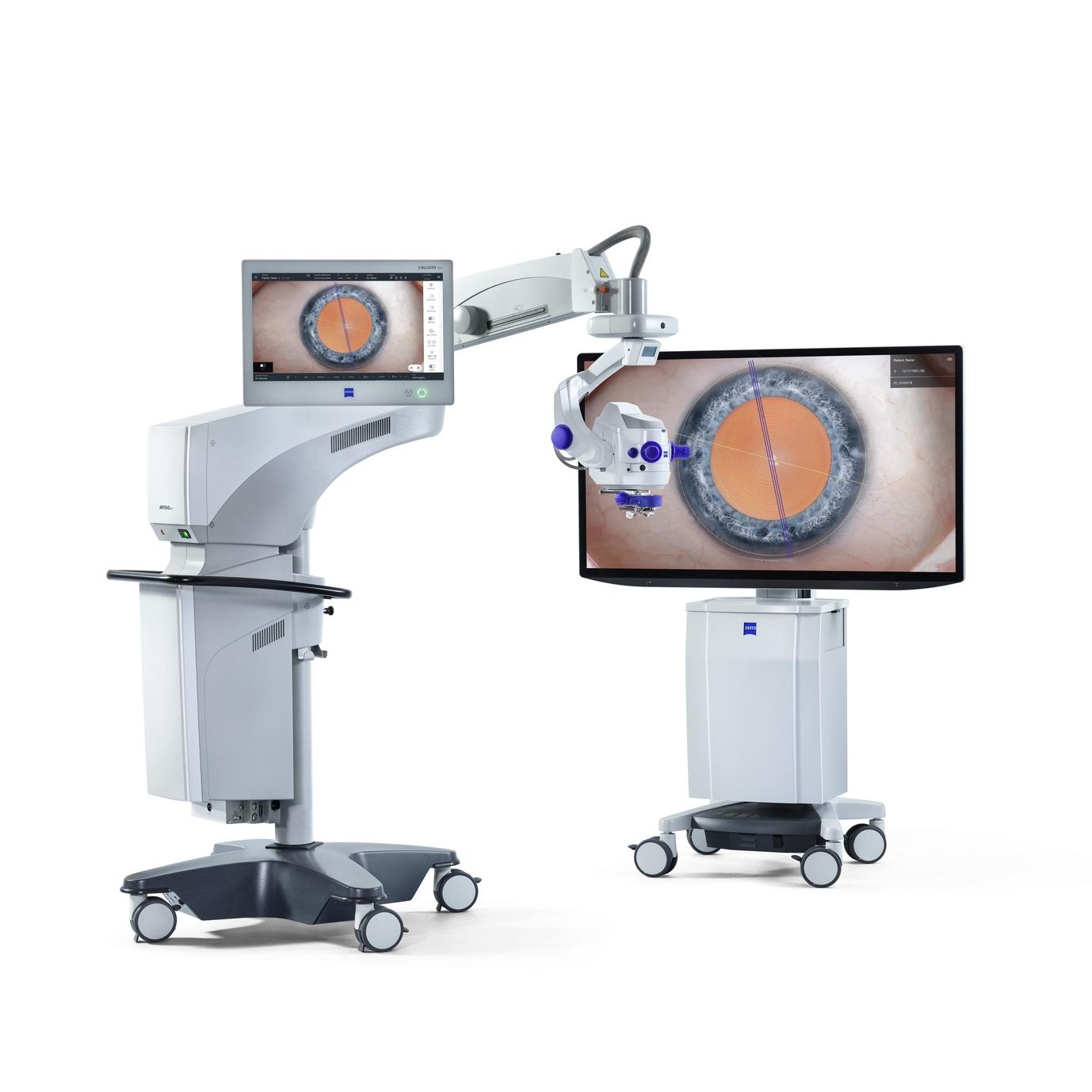

ZEISS ARTEVO 850
The 3D digital ophthalmic microscope from ZEISS combines the proven benefits of heads-up surgery with customizable 3D visualization, functional integration, excellent usability, and integration into the ZEISS Medical Ecosystem.
How to configure OCT settings on ZEISS ARTEVO 850 with ZEISS CALLISTO 5.0
This video demonstrates configuring intraoperative OCT settings using the CALLISTO eye screen and ARTEVO 850 microscope. Key features include switching OCT on/off, adjusting scan type, noise reduction, and scale indicators for tissue measurements. The scan depth icon offers double resolution, and the Auto Z function automatically finds the z-level. OCT captures can be activated and reviewed during surgery, with options to compare scans and synchronize reviews across screens.
Video
FAQs: OCT settings on ZEISS ARTEVO 850 with ZEISS CALLISTO Eye 5.0
-
OCT settings can be configured by switching OCT on and off at the bottom left of the CALLISTO eye screen. Various parameters, such as scan type, noise reduction, and scale indicator, can be adjusted. The scan depth icon offers double resolution for enhanced clarity, and the Auto Z function automatically searches for the z-level.
-
During surgery, users can activate OCT capture, with confirmation shown on the screen. The tutorial explains how to review live scans and access recorded documents, including pictures, videos, OCT, and live scans. Users can select two live OCT captures to compare scans using the compare function, with synchronization options available for simultaneous review.


