How to use Smart Depth of Field on ZEISS ARTEVO 850 with ZEISS CALLISTO 5.0
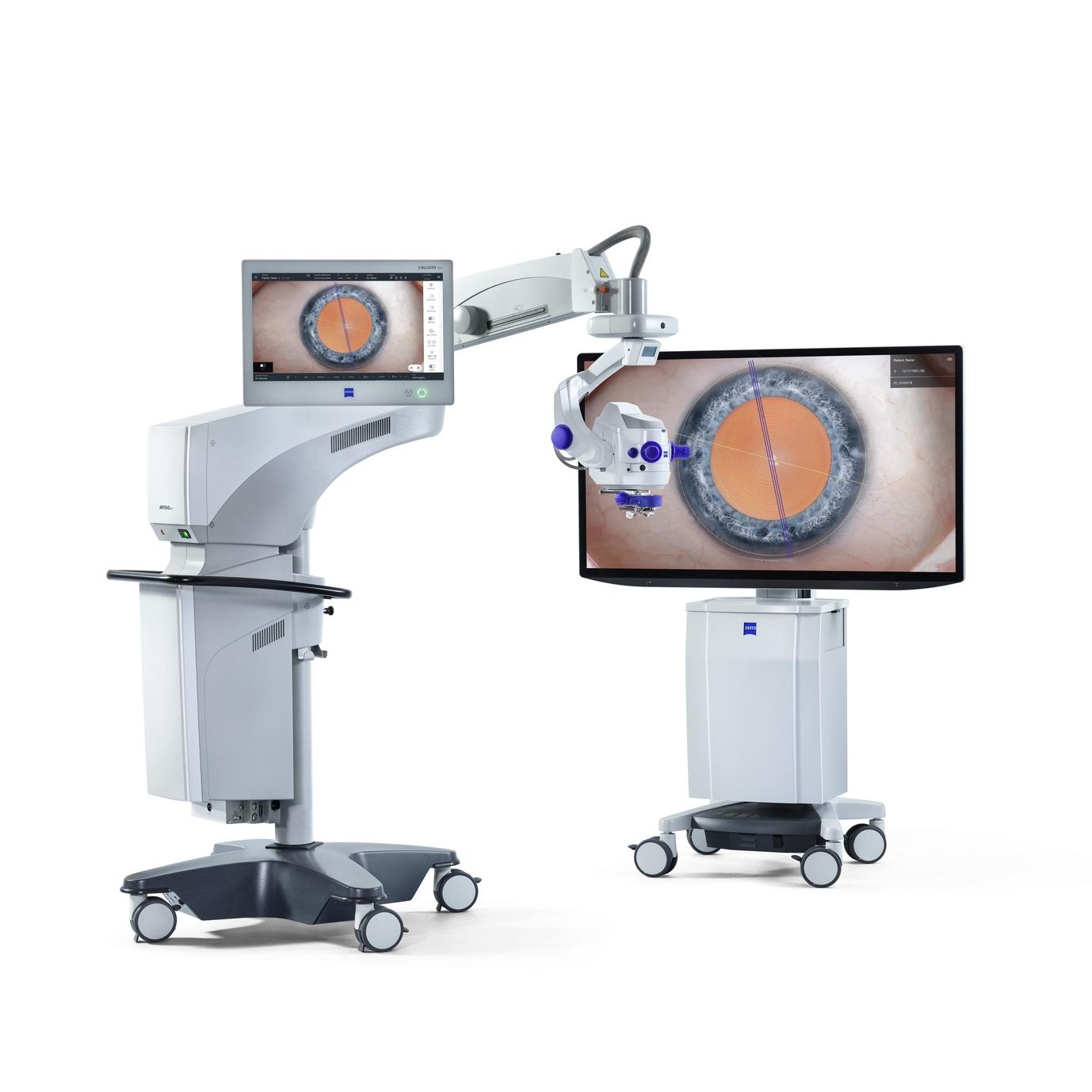

ZEISS ARTEVO 850
The 3D digital ophthalmic microscope from ZEISS combines the proven benefits of heads-up surgery with customizable 3D visualization, functional integration, excellent usability, and integration into the ZEISS Medical Ecosystem.
How to use Smart Depth of Field on ZEISS ARTEVO 850 with ZEISS CALLISTO 5.0
The Smart Depth of Field feature in the ZEISS ARTEVO 850 enhances surgical precision by allowing users to adjust how many depth layers of the eye are sharply visualized above and below the microscope’s focus position. This video explains the Smart Depth of Field feature and how each setting – Low, Medium, High and Max, tailors to specific visualization needs.
Video
FAQs: Smart Depth of Field on ZEISS ARTEVO 850 with ZEISS CALLISTO Eye 5.0
-
The Smart Depth of Field feature allows surgeons to adjust how many depth layers of the eye are sharply visualized above and below the microscope’s focus position. It offers four settings—Low, Medium, High, and Max—accessible via the Smart DOF icon in the live surgery profile screen. Each setting is designed to optimize visualization and reduce the need for refocusing during procedures.
-
Low: Focuses on a specific depth layer for detailed visualization.
High: The default setting, reducing the need to refocus at low to medium zoom levels.
Max: Provides the most extensive depth of field, minimizing refocusing even at high zoom levels, though it requires additional light to maintain brightness. These settings ensure consistent image quality and improve efficiency during surgery.


