How to configure the Digital Color Assistant on ZEISS ARTEVO 850 with ZEISS CALLISTO 5.0
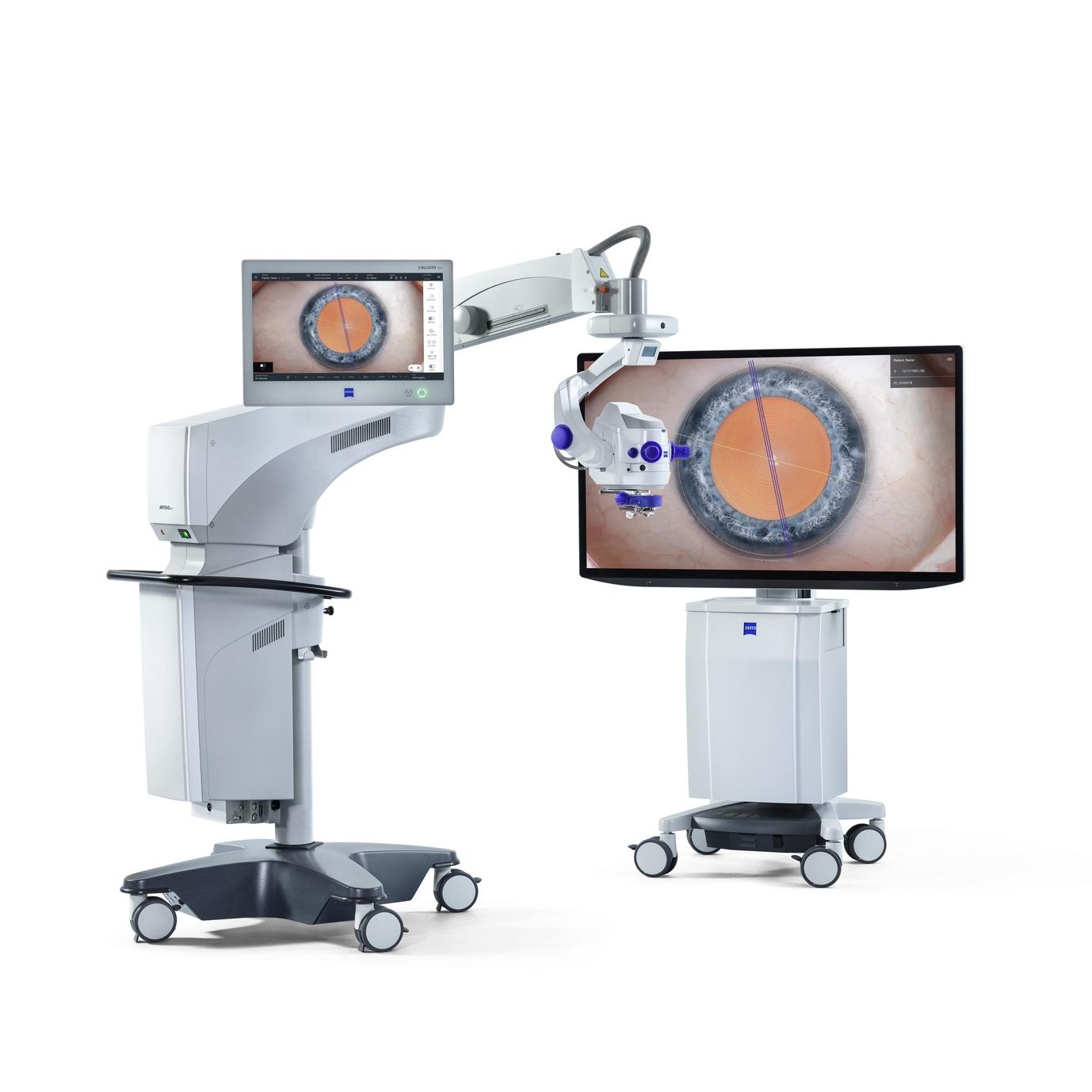

ZEISS ARTEVO 850
The 3D digital ophthalmic microscope from ZEISS combines the proven benefits of heads-up surgery with customizable 3D visualization, functional integration, excellent usability, and integration into the ZEISS Medical Ecosystem.
How to configure the Digital Color Assistant on ZEISS ARTEVO 850 with ZEISS CALLISTO 5.0
The video demonstrates how to use the Digital Color Assistant (DCA) in ZEISS CALLISTO Eye 5.0 to customize image colors. It guides users through accessing the DCA settings via the configuration and microscope icons, and explains how to adjust image tones using Red and Blue scalars for desired effects. The video also covers saving changes and activating or deactivating the DCA filter, emphasizing the feature's flexibility and precision in achieving optimal image quality.
Video
FAQs: Digital Color Assistant in ZEISS CALLISTO Eye 5.0
-
The DCA is a feature in ZEISS CALLISTO Eye 5.0 that allows users to customize image colors using preset or adjustable settings for enhanced imaging flexibility.
-
- Tap the configuration icon at the top-right corner of the CALLISTO Eye 5.0 screen.
- Select the microscope icon and scroll down to find "Digital Color Assistant."
- Click "Edit" to customize the settings.
-
You can adjust colors using two scalars:
- Red: Increase for a reddish tone.
- Blue: Increase for a bluish tone.
- Reduce both Red and Blue for a greenish tone.
Once adjustments are made, click the check mark to save changes.
-
- Activate the DCA filter via the user interface.
- To deactivate, select "No DCA."
-
The DCA provides flexibility and precision in color customization, allowing you to tailor image tones to your specific needs for optimal imaging quality.


